


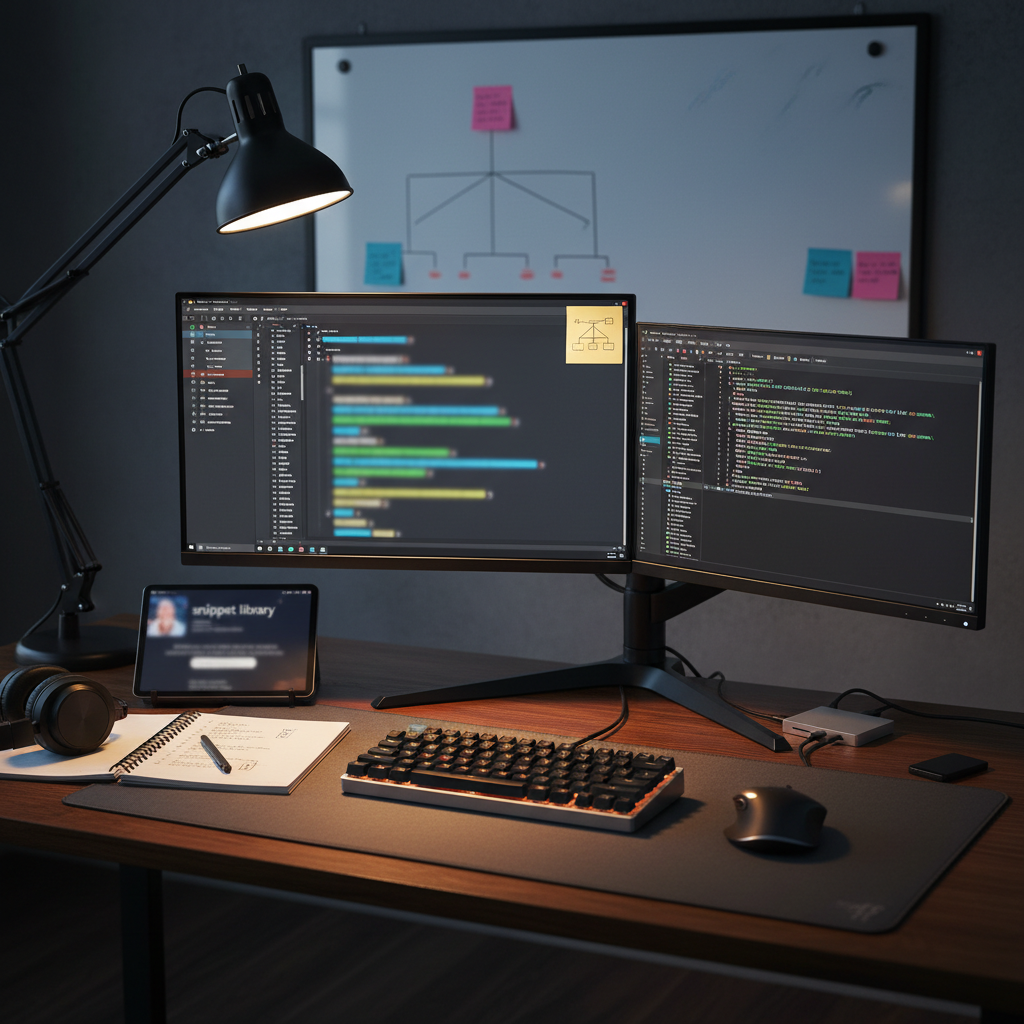
Developer Productivity Toolkit
Digital tools, workflows, and frameworks designed to maximize coding efficiency and reduce cognitive load.
What’s Inside
-
⚡ Keyboard-Driven Workflow Mastery: Transition from mouse-heavy to “Flow-State” development. Technical guides for mastering Vim/Neovim motions, IDE-specific hotkeys (VS Code/JetBrains), and terminal multiplexers (like tmux or Zellij) to navigate codebases at lightning speed.
-
🤖 AI-Augmented Coding Frameworks: Leverage LLMs without losing code quality. Protocols for Prompt Engineering for Developers, effectively using Copilot/Cursor, and automating “Boilerplate” generation while maintaining strict architectural standards.
-
🛠️ Shell & CLI Optimization: Build a high-performance terminal environment. A curated collection of Zsh/Fish aliases, custom shell functions, and CLI tools (like fzf, ripgrep, and bat) that replace slow GUI-based file searching and manipulation.
-
🧩 Modular Code Snippet Library: Stop writing the same logic twice. A structured system for managing cross-project snippets (User Auth, API wrappers, CSS Grid layouts) that can be instantly injected into any new repository.
-
🧘 Deep Work & Context Management: Minimize “Context-Switching” costs. Strategies for Git-based task branching, pomodoro-integration for IDEs, and digital distraction blocking to maintain focus during complex debugging and architecture sessions.
Key Benefits
-
🚀 2x Speed in Execution: By automating repetitive tasks and mastering keyboard-centric navigation, you can ship features and fix bugs significantly faster than traditional developers.
-
🛡️ Reduced Cognitive Fatigue: A clean, optimized workflow clears the “mental clutter,” allowing you to spend your brainpower on solving difficult logical problems rather than fighting your tools.
-
✨ Superior Code Quality: Productivity isn’t just about speed; it’s about consistency. Standardized workflows and snippets ensure that you follow best practices automatically, reducing the likelihood of manual errors.
-
💰 Increased Billable Value: For freelancers and contractors, high efficiency means higher effective hourly rates. For salaried engineers, it means more time for high-level strategy and career-advancing projects.
-
📈 Scalable Output: As project complexity increases, a professional productivity system keeps you from feeling overwhelmed, enabling you to manage large-scale monorepos and microservices with ease.
Perfect For
-
💻 Software Engineers (All Levels): Developers looking to move beyond “basic” IDE usage and into the world of professional-grade, high-speed engineering.
-
🚀 Tech Leads & Senior Devs: Professionals who need to maximize their output while managing team responsibilities and architectural decisions.
-
🏢 Remote Developers: Individuals working in distributed teams who need robust local systems to stay productive and organized without direct supervision.
-
📊 Data Scientists & DevOps Engineers: Professionals who spend significant time in the terminal and need to automate complex data pipelines or infrastructure workflows.
-
🎓 Career Changers & Bootcamp Grads: Learners who want to build the “Professional Habits” that differentiate senior-level engineers from hobbyists.
Format & Delivery
-
📥 Instant Digital Access: Immediate entry to the toolkit portal, featuring configuration files, cheat sheets, and video walkthroughs.
-
💾 The “Dotfiles” Starter Pack: A collection of pre-configured config files (.zshrc, .vimrc, settings.json) that you can drop into your local environment to instantly upgrade your UI and shortcuts.
-
📋 The 10-Minute Daily Audit: A technical PDF checklist to help you refine your workspace and optimize your machine’s performance every morning.
-
🎥 Workflow Demonstration Videos: Side-by-side comparisons showing “Old vs. New” ways of handling common tasks like global search-and-replace, refactoring, and multi-file navigation.
-
✨ Lifetime Access + Updates: One-time purchase grants permanent access to the toolkit and all future modules on emerging AI tools and developer hardware.

Reviews
There are no reviews yet.